Welcome to InviteCount
InviteCount is a Discord bot that tracks who invited whom, and helps you grow and protect your server.
InviteCount tracks every invite on your Discord server. When a member joins, the bot finds the invite they used and credits the member who created it. On top of invite tracking, it gives you growth analytics, welcome messages, leaderboards, giveaways, tickets, levels, verification and raid protection.
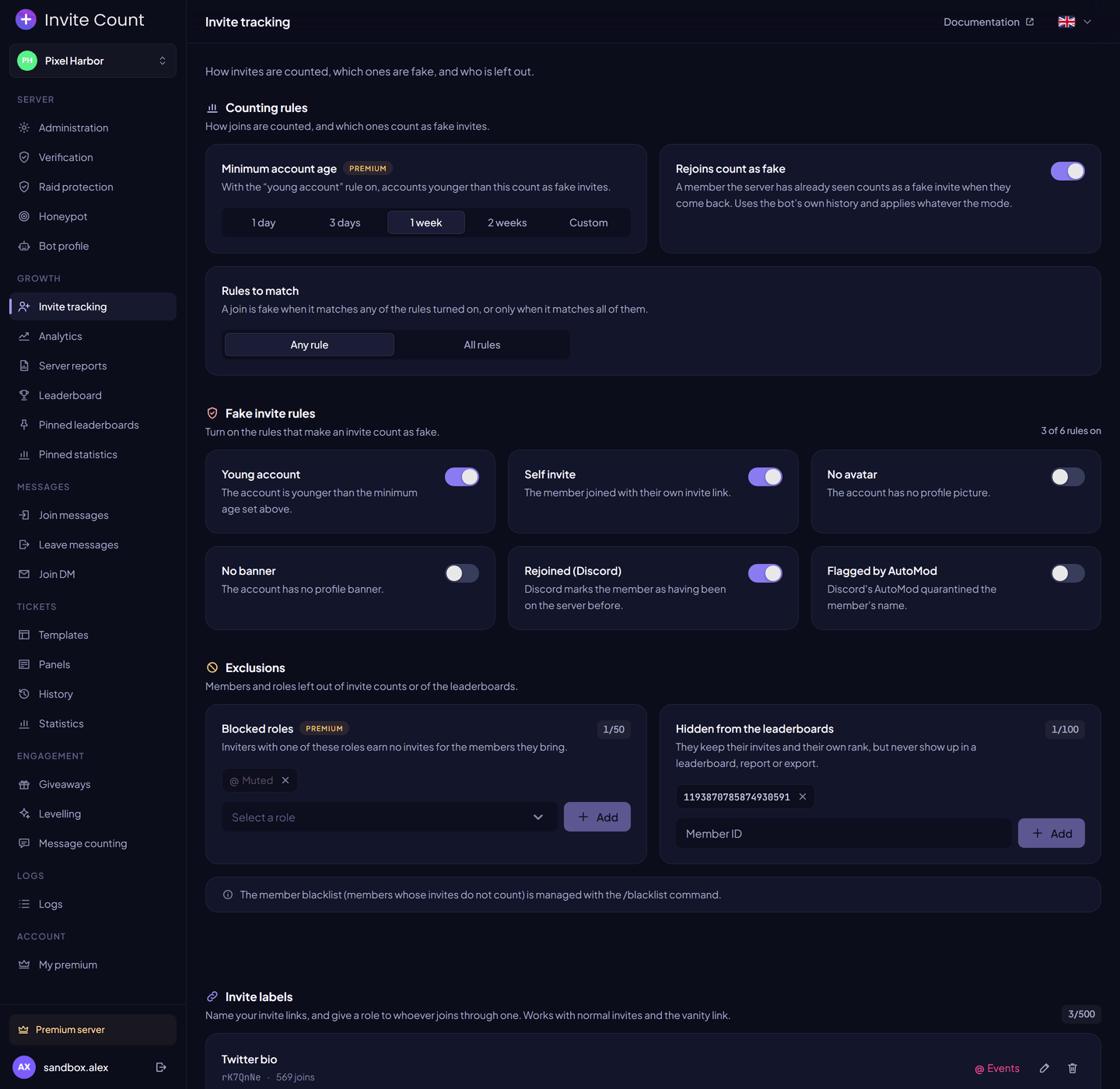
You configure everything from the dashboard or with slash commands.
Start here#
- Add the bot to your server.
- Check that it has the permissions it needs.
- Run
/setupto choose a channel for join messages. - Open the dashboard to configure the other modules.
Invite tracking starts as soon as the bot joins. You don't need to configure anything for it to work.
Modules#
| Area | Modules |
|---|---|
| Growth | Invite tracking, Leaderboards, Analytics, Server reports, Pinned statistics |
| Messages | Join and leave messages, Embeds and variables, Card editor |
| Engagement | Giveaways, Levelling, Message counting |
| Support | Tickets |
| Security | Verification, Raid protection, Honeypot |
| Server | Auto roles, Bot profile, Logs and invite alerts, Blacklist and hidden members, Data management |
Free and Premium#
Every module has a free version with no time limit. Premium raises the limits and unlocks the advanced options of each module. Each page of this documentation shows what is free and what needs Premium, and the Limits page lists every value.
Conventions used in this documentation#
| Notation | Meaning |
|---|---|
/command <option> | Required option |
/command [option] | Optional option |
| Premium | Needs a premium server |
| Dashboard → Page | A page of the dashboard, in its sidebar |