Bot profile
Give InviteCount its own nickname, bio, avatar, banner and embed colour on your server (Premium).
On a premium server, InviteCount can wear your colours: its own nickname, bio, avatar and banner, visible on your server only, and a colour for its embeds. This module needs Premium.
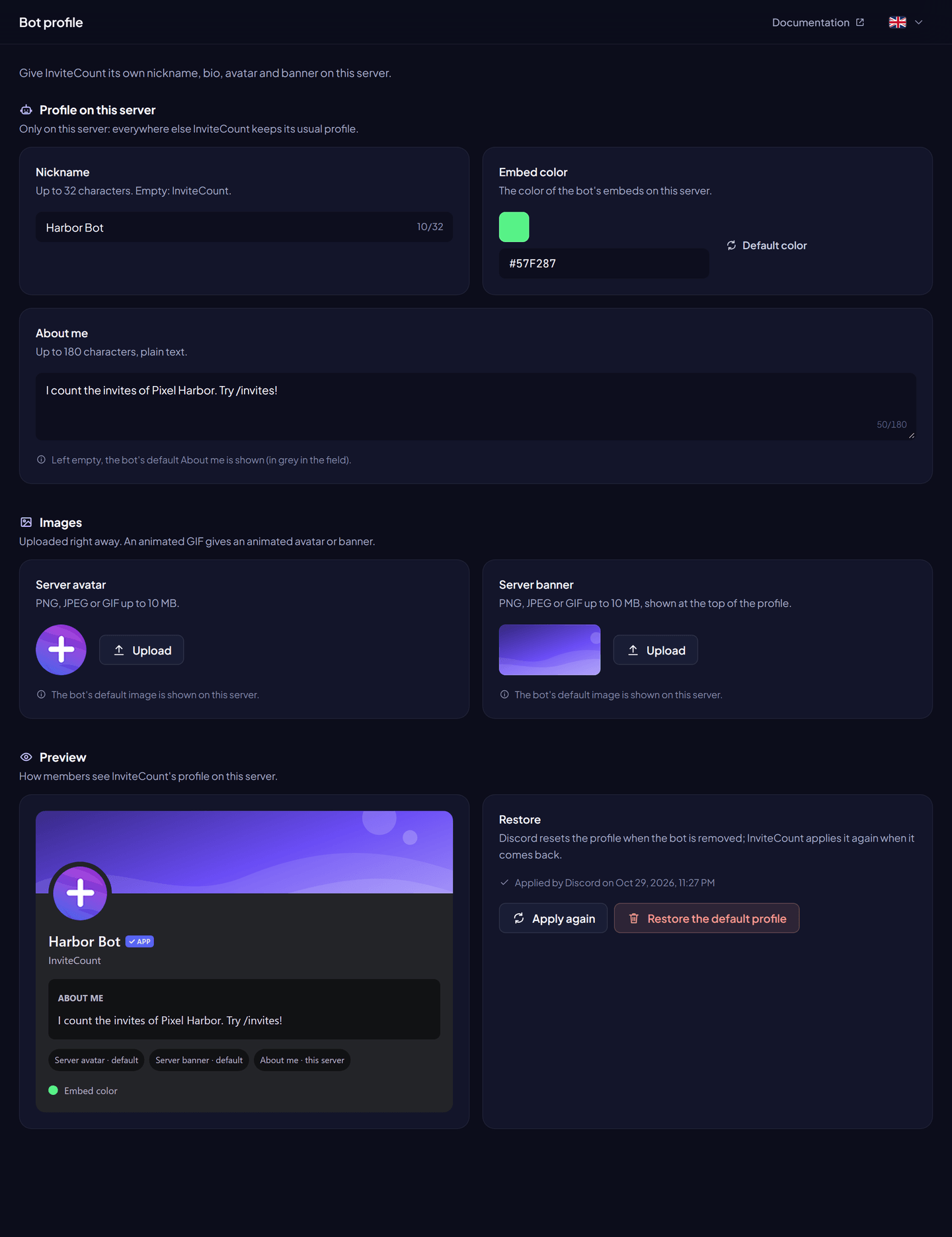
Settings#
| Setting | Limit |
|---|---|
| Nickname | 32 characters |
| About me (bio) | 180 characters |
| Server avatar | PNG, JPEG or GIF, up to 10 MB (an animated GIF gives an animated avatar) |
| Server banner | PNG, JPEG or GIF, up to 10 MB |
| Embed colour | A hex colour, for example #5865F2, used by the bot's command embeds on this server |
From the dashboard: Dashboard → Bot profile, change the fields, Save changes.
With commands (Administrator): /botprofile set [nickname] [bio] [avatar] [banner] [embed_color] (premium), /botprofile show, /botprofile reset.
Good to know#
- A change is applied on Discord first, and saved only if Discord accepts it. Discord limits how often a profile can change: if it refuses, try again a few minutes later.
- When the bot is removed and added back, Discord resets its profile. The bot applies your saved profile again. Apply again does it by hand.
- Restore the default profile removes your profile and the saved images. It works on free servers too.
- When Premium ends, the bot takes its default profile back. Your profile stays saved and comes back with Premium.
- Profile images are stored in a private Cloudflare R2 bucket, so the bot can apply them again.
Permissions#
Change Nickname for the nickname (Administrator covers it). The other fields need no permission.