Auto roles
Give roles automatically to every member who joins your server.
Auto roles are given to every new member as soon as they join.
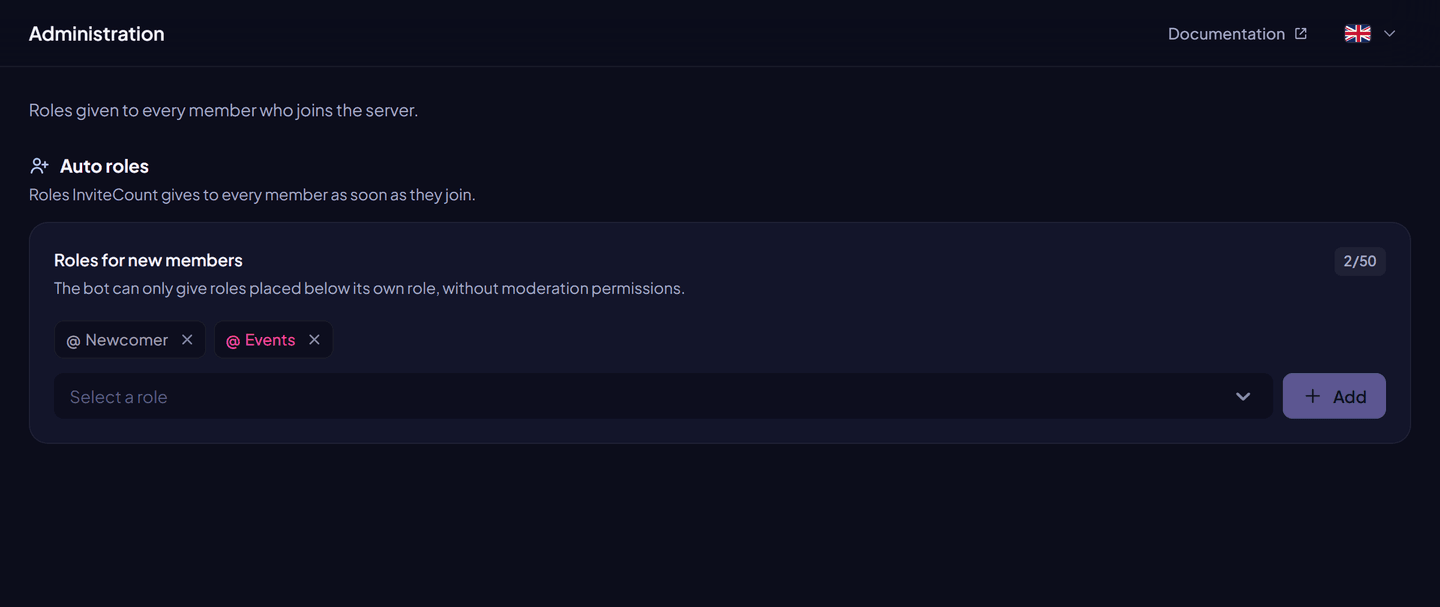
Set up auto roles#
From the dashboard: Dashboard → Administration → Roles for new members: pick a role, click Add, then Save changes.
With commands (Administrator): /autorole add <role>, /autorole remove <role>, /autorole list, /autorole reset.
| Free | Premium | |
|---|---|---|
| Auto roles | 3 | 50 |
Good to know#
- With verification on, auto roles are given after the member verifies.
- An invite label can give an extra role to members who join through a given link.
- Roles must be below the bot's role. Roles with moderation or administrator permissions, managed roles and
@everyoneare refused. - On a server that lost Premium, only 3 auto roles are given (those with the lowest role IDs). The others stay saved.
Permissions#
Manage Roles, with the bot's role above the auto roles.