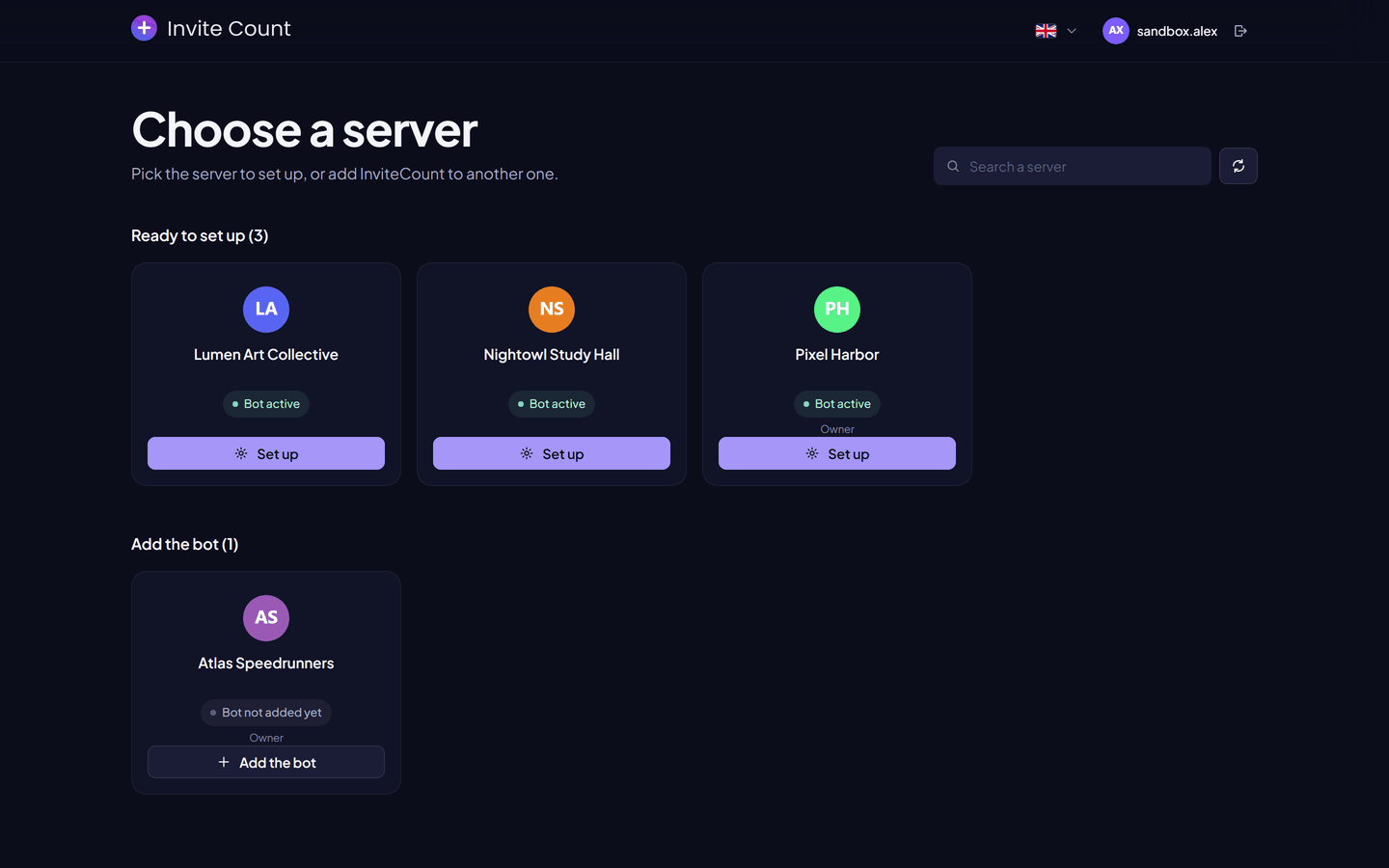
Add the bot
Add InviteCount to your Discord server and get invite tracking running.
Before you start#
You need the Manage Server permission on the Discord server. Discord only lets members with this permission add a bot.
Add InviteCount#
- Open invite-count.xyz/invite. You can also use the Add the bot button on the dashboard, next to any server where the bot is missing.
- Choose your server in the list.
- Keep every permission checked, then click Authorize.
- Complete the Discord captcha if one appears.
The bot appears in your member list a few seconds later.
Place the bot's role#
Discord only lets a bot give or remove roles that are below its own role. InviteCount gives roles for auto roles, invite labels, message rewards, verification, giveaways and tickets.
- Open Server Settings → Roles.
- Drag the InviteCount role above every role the bot should give.
- Save.
What happens next#
- Invite tracking starts at once. From now on, every join is credited to the member who created the invite.
- Invites created before the bot joined keep working, but the bot doesn't know who joined with them in the past. Run
/syncinvitesonce to import Discord's use counters into the members' invites. - Every other module is off until you turn it on. Run
/setupfor join messages, then use the dashboard for the rest.